On 8 September 2026, Meta rolled out a big redesign of the Insights panel inside Threads. There are now AI-generated summaries that tell you whether a post did better, worse or typical compared with your recent history, plus new breakdowns of which communities are driving your engagement and how much of your reach comes from followers versus people discovering you fresh.
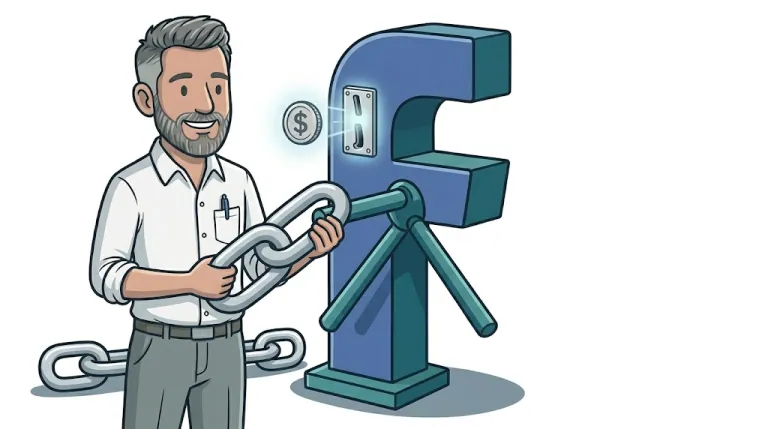
Sounds like an upgrade, and in some ways it is. But buried in the same update is something that matters a lot more if you use Threads to send people to your website. Link-click data has been removed from the analytics entirely. If you post a link to a product page, a blog post or a booking form, Threads will now tell you plenty about likes, reposts and audience mix, and nothing at all about whether anyone actually clicked through.
What Threads actually changed
Threads chief Connor Hayes described the update as helping creators "see how each post did and what actually drove the results", with new metrics on audience reach and how much of it is followers versus new viewers. That is a genuine improvement for anyone using Threads to build a following.
What Meta has not explained is why link clicks disappeared. A spokesperson told Engadget the company was "exploring" the feature but would not say more, and there is no confirmed date for when click data actually stopped appearing. It seems to have quietly gone missing before the wider redesign was announced. It fits a pattern Meta has followed for a while. Threads has long been suspected of downranking posts that contain outbound links, and removing the one metric that shows those links working is consistent with a platform that would rather keep people scrolling inside the app than send them elsewhere.
Why this matters if you post links to promote your business
If you have been using Threads to drive traffic and judging success by the in-app numbers, you have just lost your only feedback loop. You can see a post got 40 reposts and assume it is working, but you have no way of knowing from Threads itself whether that translated into a single visit to your site, let alone an enquiry or a sale.
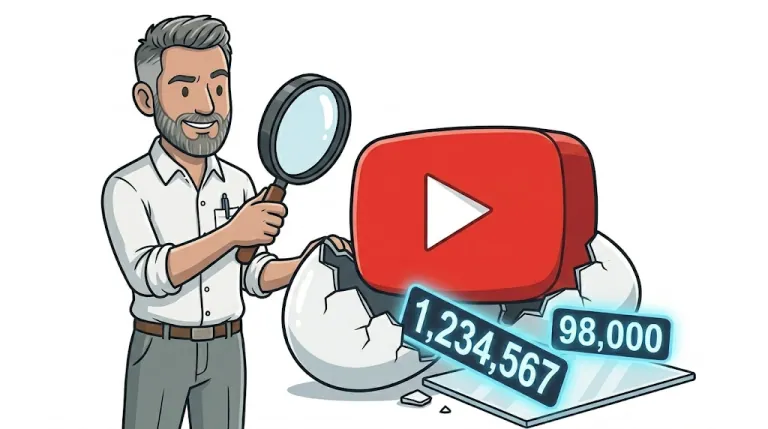
This is not unique to Threads. Plenty of platforms are gradually reporting less about what happens after someone leaves their app, because their business model rewards keeping attention in-house rather than handing it off to yours. YouTube recently made a similar move when it changed how views are counted, which we unpacked in our post on the YouTube view count change in 2026. The lesson is not to stop using Threads. It is that you cannot rely on any single platform to tell you honestly whether it is working for you. That job has to sit with your own website.
What this means for your business
If your marketing includes posting links on Threads (or Instagram, TikTok, LinkedIn or anywhere else), you need to be measuring the click on your side, not theirs. In practice that means three things:
- Tag every link you share. Adding simple tracking tags (called UTM parameters) to any link you post tells your own analytics exactly which platform, post or campaign sent a visitor, regardless of what that platform chooses to report.
- Have analytics actually set up on your website. This sounds obvious, but a surprising number of small business sites either have no analytics installed, or have it installed incorrectly, so even a well-tagged link goes nowhere useful.
- Look at your own numbers, not platform vanity metrics. Reposts and likes tell you a post resonated. Only your website analytics can tell you whether it made you any money.
None of this requires becoming a data analyst. It requires your website being set up properly in the first place, something that should happen automatically when a site is built, not bolted on later as an afterthought.
How to track link clicks from Threads
The practical fix is straightforward. Before you post a link on Threads (or any social platform), add UTM parameters to it. Free tools exist to generate these in seconds, so the link records which platform and post it came from. Then make sure Google Analytics and Google Search Console are properly connected to your site, so those tagged visits show up as real data you can act on rather than guesswork. If you want a step-by-step on the Search Console side, we covered getting Search Console set up and which metrics actually matter in an earlier post.
If you are running paid social or search campaigns alongside your organic posting, this is exactly the kind of spend-to-enquiry tracking we build in from day one for paid media clients, because a platform's own reporting is never the full picture.
Frequently asked questions
Does Threads show link click data any more?
No. As of the September 2026 Insights redesign, Threads no longer reports link clicks anywhere in its analytics, even though it now shows more detail on views, reach and audience makeup.
How do I track link clicks from Threads to my website?
Add UTM parameters to any link before you post it, then check the results in Google Analytics rather than relying on the platform's own numbers.
What are UTM parameters and do I need them?
They are small tags added to the end of a URL that tell your website analytics where a visitor came from. If you post links on any social platform, they are worth using every time.
Is Threads still worth using for my small business?
That depends on your goals. It can still be useful for visibility and audience building, but you should no longer expect it to tell you whether it is driving business results. That measurement now has to happen on your own site.
An easy first step
If reading this made you realise you are not actually sure what your website's analytics are set up to track (or whether they are set up at all), that is worth sorting before you spend more time posting links anywhere. Every website we build comes with Google Search Console and Google Analytics configured properly from the start, so you can see what is really happening rather than hoping for the best.
We currently have a free website offer running with no obligation, a good, low-risk way to find out what a properly built site with proper tracking looks like.
Contact Gareth at GLC Web Solutions to check whether your analytics are set up to show where your traffic really comes from, and what is worth acting on.